 mammoth templates
Docsight is a privacy-first document analyzer. Drag and drop (or pick) .txt, .md, .csv, .tsv or .json files; they are read locally with FileReader and never uploaded. Instantly you get word, sentence and reading-time statistics, a readability score, ranked keywords and key phrases, an extractive summary with an adjustable length, and detected entities (people, organizations, places, dates, money, percentages, emails, links) highlighted right inside the document.
CSV files become scrollable tables with sticky headers and a per-column profile (types, ranges, histograms, top values); JSON files become collapsible trees with structural statistics. The Ask tab puts a small agent on top: it classifies your question, calls tools over the already-analysed file (BM25 passage search, entity lookup, extractive summary, table aggregation) and answers with numbered citations that jump to the source sentence, row or path. Every step it takes is shown in an expandable trace panel.
The analysis code is real and dependency-free; only the language-model part of the agent is a rule-based mock behind one function in js/ai.js, with a documented OpenAI-compatible example to swap in a real model (it sends only the question and the top retrieved passages). Reports export as Markdown, a standalone HTML page, raw JSON, or print/PDF.
Highlights
- Drag and drop or pick .txt / .md / .csv / .json - read locally, nothing is uploaded
- Stats, Flesch readability, keywords, key phrases and an extractive summary with a length slider
- Entity detection (people, orgs, places, dates, money, percentages, emails, links) highlighted in the text
- Q&A agent with a visible tool trace and clickable citations that jump to the source
- CSV column profiling with sparklines and table questions (average, total, highest by group)
- JSON structure tree and key statistics
- Export report as Markdown, HTML, JSON or print to PDF
- Mock agent behind one function with an OpenAI-compatible example; no keys in code
You may also like
 Starter Kit
Lattice RAG Starter
HTML- .html
- .css
- .js
 Full Project
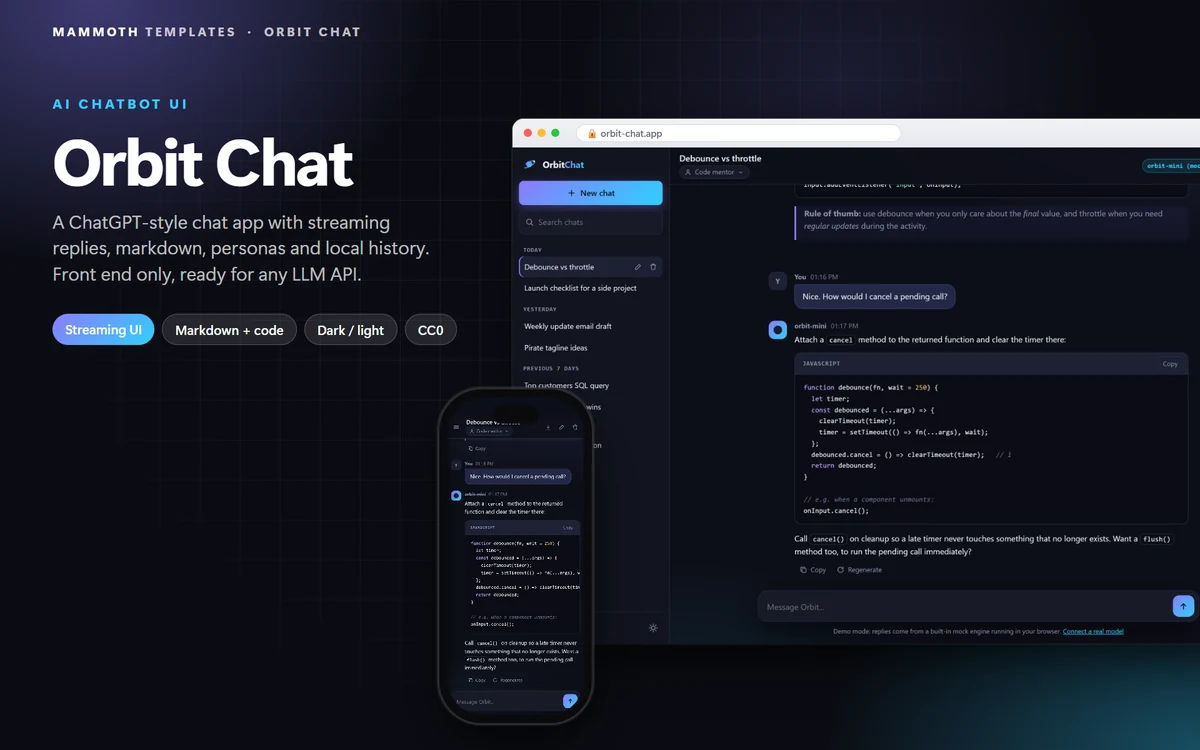
Orbit Chat
HTML- .html
- .css
- .js