 mammoth templates
Home / Automation / n8n Workflows
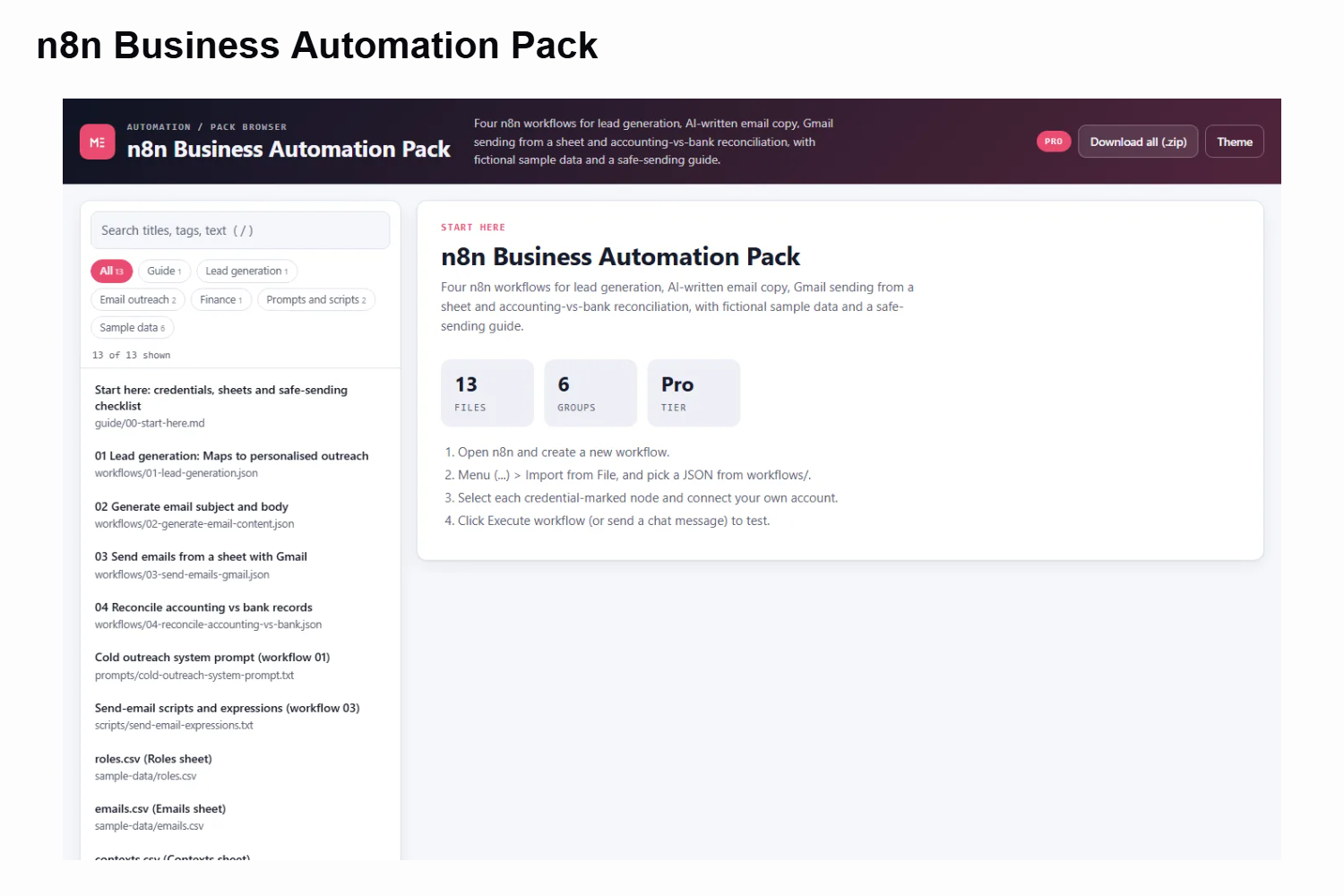
These four workflows cover the automations small businesses ask for most. Workflow 01 turns a row in Google Sheets into a list of local businesses (Apify Google Maps scraper), finds decision-maker emails, reads each website and has an OpenAI model write a short, personal outreach line. Workflow 02 uses OpenAI and Perplexity in parallel to draft an email subject and body.
Workflow 03 sends those emails through Gmail from a sheet, picking random templates, personalising the name, pausing between sends and writing back the status. Workflow 04 compares an accounting ledger with a bank statement and emails you the transactions that do not match, waiting for your approval.
Everything needed to reproduce the setup is included: the system prompt and Code node scripts as text files, and fictional CSV sample data shaped exactly like the sheets the workflows expect (roles, emails, contexts, templates, accounting and bank statements). No real people or businesses appear anywhere in the pack, and a hard-coded API key present in the original export has been replaced with a placeholder.
A start-here guide lists every credential, the tab names to create and the placeholders to replace, plus a compliance checklist for cold email. Browse, preview and copy any file in the built-in pack browser, or download the whole pack as a zip.
Highlights
- 4 import-ready n8n workflows: lead generation, AI email copy, Gmail sender, reconciliation
- Apify + Anymailfinder + OpenAI lead pipeline writing to Google Sheets
- OpenAI + Perplexity email drafting in parallel, merged into a template sheet
- Gmail loop with random templates, [name] personalisation, wait and status write-back
- Compare Datasets reconciliation with send-and-wait approval email
- Fictional sample CSVs for every sheet, plus the prompt and scripts as text
- Secrets removed; compliance checklist for cold email